Input: A4 page
210 × 297 mm, with content close to the original page edges.
Download PDF: Input: A4 page (10 KB)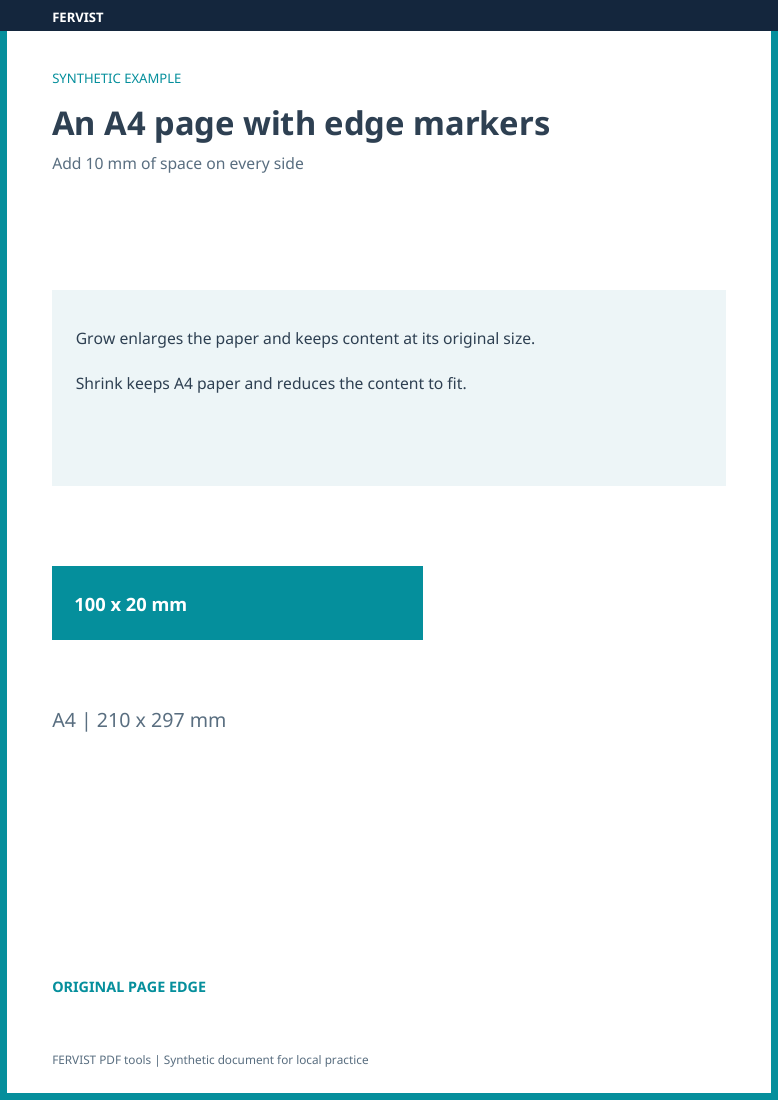
Page 1
Add space around PDF pages: grow the sheet or shrink its content.
Drop a PDF here
or use the button — one PDF at a time
Choose one margin value for all sides. Grow adds that amount outside each edge of the original page area and keeps content size. Shrink keeps the paper size and proportionally fits the original page area inside the requested border; one pair of margins may be wider. Existing blank space in the PDF is additional. There is no separate binding-edge control, and printer clipping depends on your printer and print settings.
| Input | 1 A4 portrait page, 210 × 297 mm; margin 10 mm. |
|---|---|
| Grow | The page becomes 230 × 317 mm. Content keeps its size; 10 mm is added outside each original edge. |
| Shrink | The page stays 210 × 297 mm. The original page area scales to about 190 × 268.71 mm, leaving 10 mm left/right and about 14.14 mm top/bottom. |
Grow increases the PDF’s page dimensions. If the print dialog then fits that larger page onto the original paper size, it scales the page again. Check the paper format and print preview, including any Fit or actual-size option, before printing the whole document.
Choose Shrink when the PDF must keep its current page size while gaining whitespace. If you need a specific paper format such as A4, use Resize PDF first, then add margins to the downloaded copy and check the final dimensions.
Download an input file, choose it in the tool above and use the settings shown. You can also download the completed results for comparison. The previews show actual pages from these files; all data are synthetic.
Both examples use 10 mm margins. Grow keeps the original content size and enlarges the paper. Shrink keeps A4 and reduces the content to fit; the other pair of borders can be slightly wider to preserve proportions.
210 × 297 mm, with content close to the original page edges.
Download PDF: Input: A4 page (10 KB)10 mm · Grow. Paper becomes 230 × 317 mm; content keeps its original size.
Download PDF: Result: Grow page (10 KB)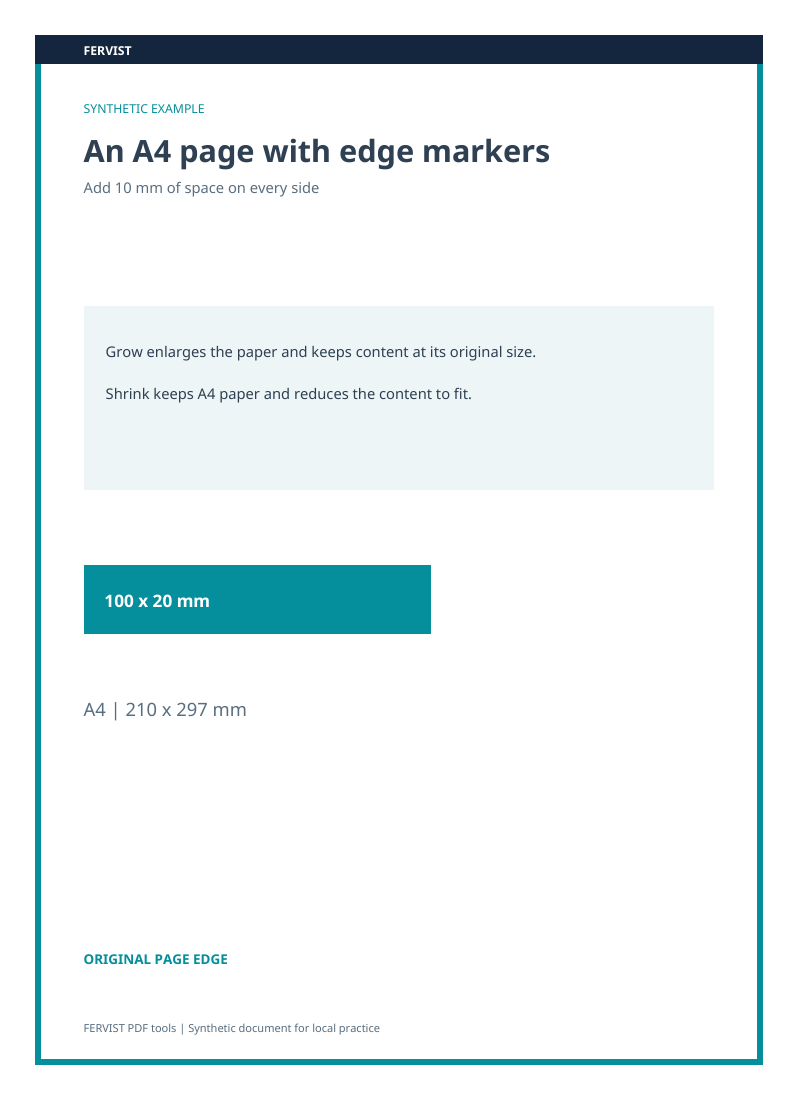
10 mm · Shrink. Paper remains 210 × 297 mm; content is scaled to fit inside the margins.
Download PDF: Result: Shrink content (11 KB)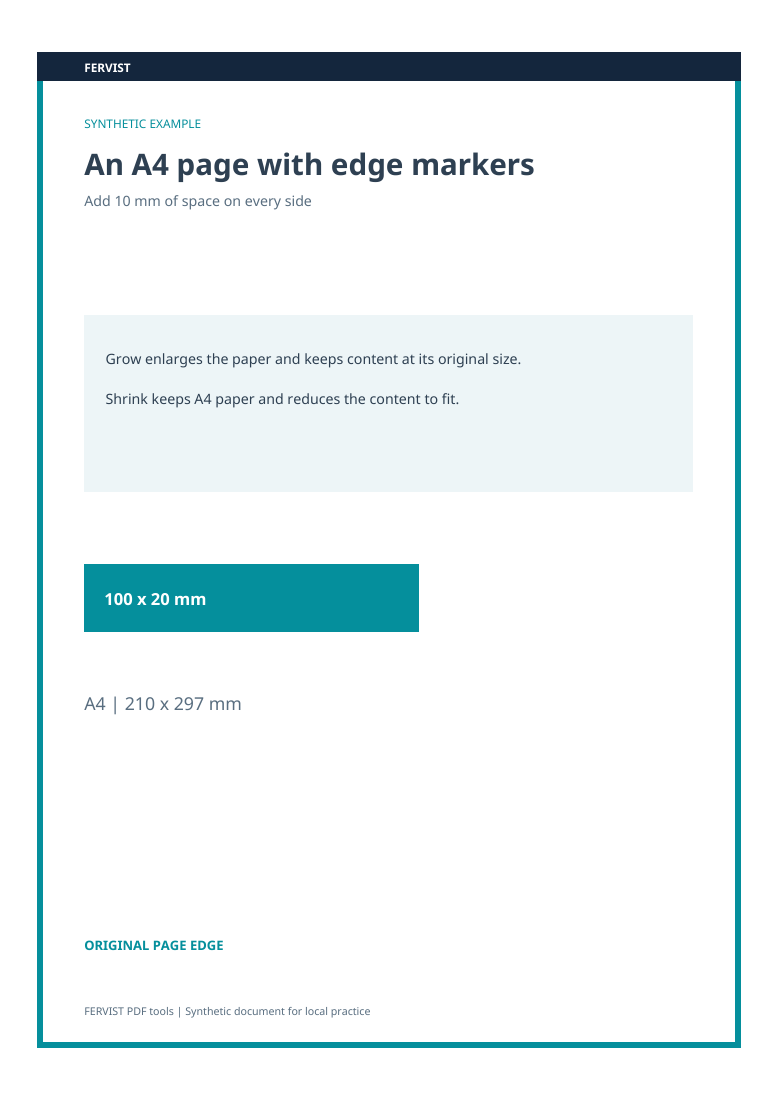
Grow adds the chosen amount outside every original page edge. Shrink keeps the page size, scales proportionally and centres the original page area inside the requested border. This can leave a larger gap on one pair of sides.
No. Content is never distorted — grow adds space, shrink scales evenly.
This tool runs entirely in your browser. After the page has loaded, nothing about your document is sent to a server — no upload, no account, no watermark.
By selecting files, you confirm you may process them and accept the Terms of Use.