Input: two A3 spreads
Two landscape pages, 420 × 297 mm each, with a marked centre line.
Download PDF: Input: two A3 spreads (13 KB)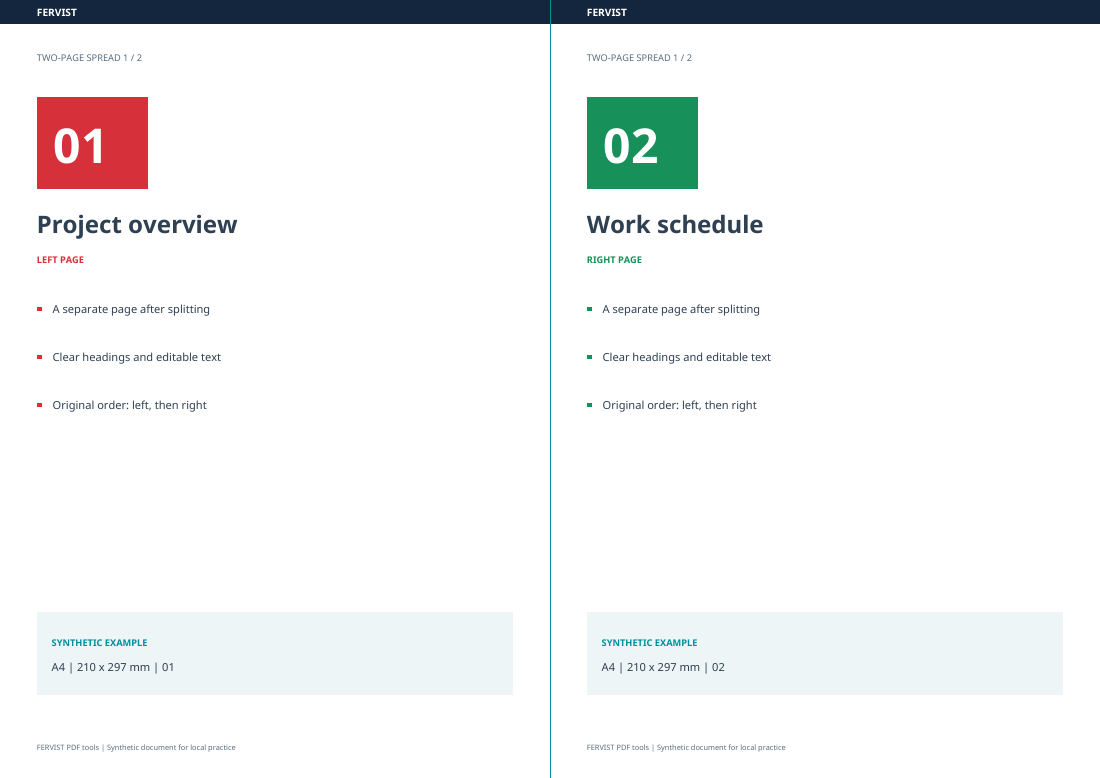
Page 1 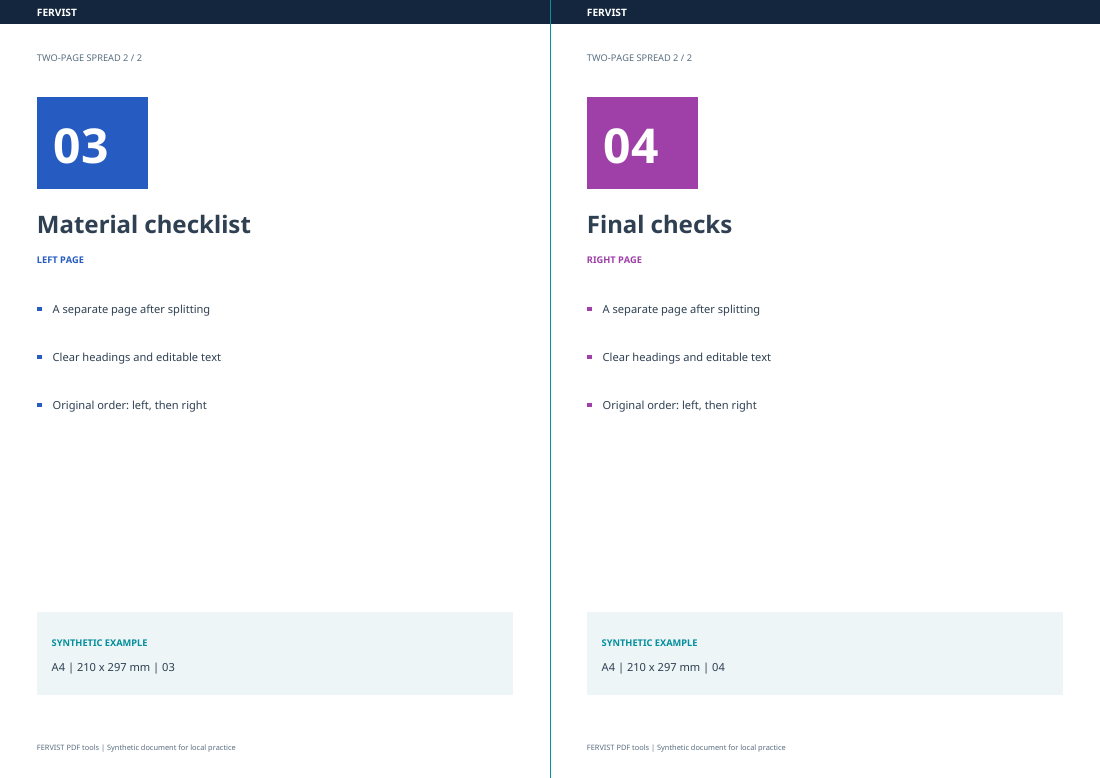
Page 2
Separate two scanned pages on one sheet: cut left/right or top/bottom.
Drop a PDF here
or use the button — one PDF at a time
Cut every page through the centre of its visible area. A vertical cut outputs the left half then the right; a horizontal cut outputs the top half then the bottom. The original page order is preserved. Use this for scanned spreads already arranged in reading order; it does not rearrange booklet printing layouts. Text and vectors are not rasterized, and a scanned image keeps its existing resolution.
L and R mean left and right; T and B mean top and bottom. The number identifies the original page.
| Vertical input | 2 A3 landscape pages, each 420 × 297 mm. |
|---|---|
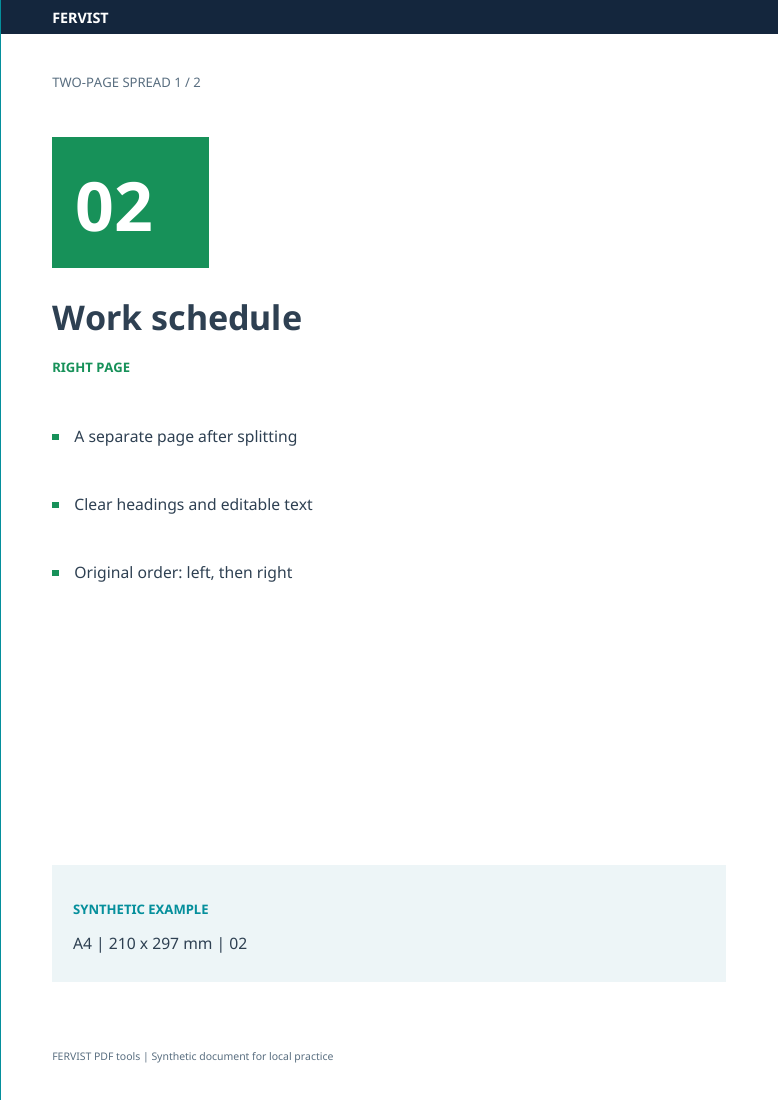
| Vertical cut | 4 A4 portrait pages, each 210 × 297 mm. Order: 1L → 1R → 2L → 2R. |
| Horizontal input | 2 A3 portrait pages, each 297 × 420 mm. |
| Horizontal cut | 4 A4 landscape pages, each 297 × 210 mm. Order: 1T → 1B → 2T → 2B. |
The tool outputs the left half then the right, or the top half then the bottom, for each source page in order. It does not reconstruct a booklet’s reading order. Open the downloaded result in Organize PDF and move the pages into the sequence you need.
If only some source pages should be cut, first use Extract pages to make a copy containing those pages. Splitting a page into halves is different from splitting a document into separate files.
Download an input file, choose it in the tool above and use the settings shown. You can also download the completed results for comparison. The previews show actual pages from these files; all data are synthetic.
Choose the left/right (vertical) split. The two spreads become four pages in order: 1L → 1R → 2L → 2R. All input and result pages are shown below.
Two landscape pages, 420 × 297 mm each, with a marked centre line.
Download PDF: Input: two A3 spreads (13 KB)Left/right split. Four portrait pages, 210 × 297 mm each.
Download PDF: Result: four A4 pages (21 KB)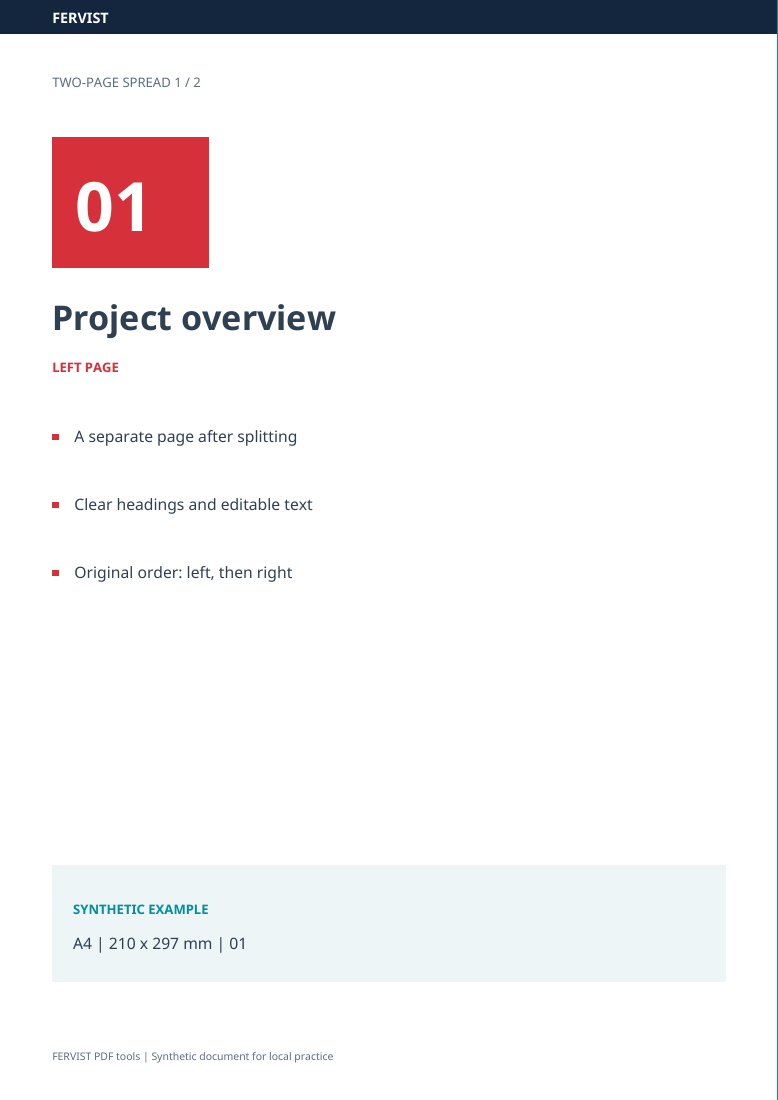
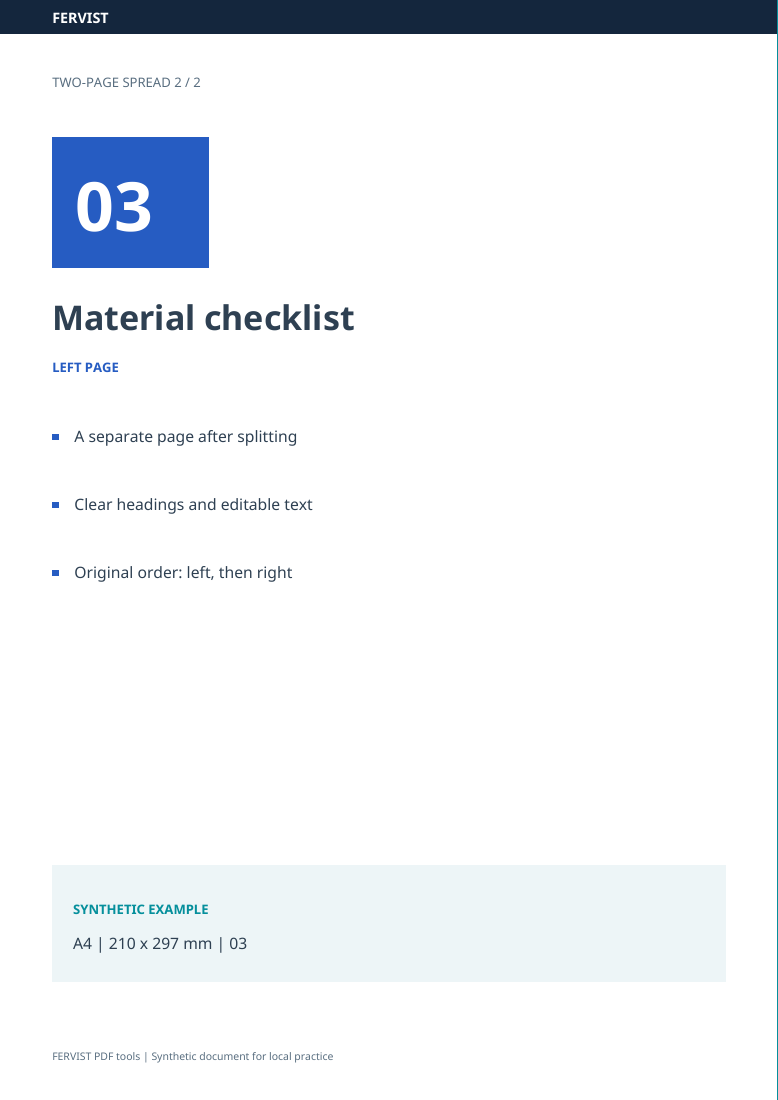
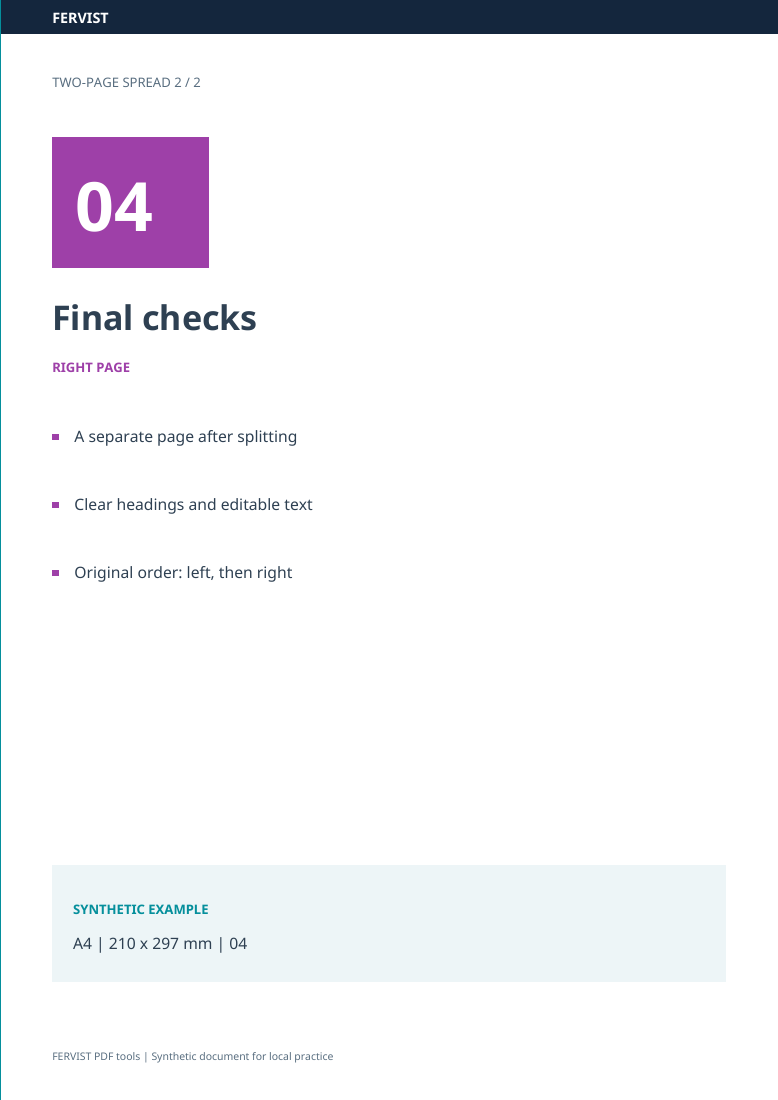
Text and vectors are clipped to each half without rasterization. A scanned image keeps its existing resolution; splitting does not sharpen a low-resolution scan. Check annotations and interactive documents in the result.
Twice the original page count. Each original page outputs left then right, or top then bottom, before the next original page. The tool does not detect a booklet’s intended reading order.
This tool runs entirely in your browser. After the page has loaded, nothing about your document is sent to a server — no upload, no account, no watermark.
By selecting files, you confirm you may process them and accept the Terms of Use.